
TrollStore Complete Guide 2026- Install, Compatibility & Best Apps
TrollStore lets you permanently sideload apps on iOS 14–17.0 with no expiry, no re-signing. Full install guide, iOS compatibility chart, and the 30 best TrollStore IPAs.
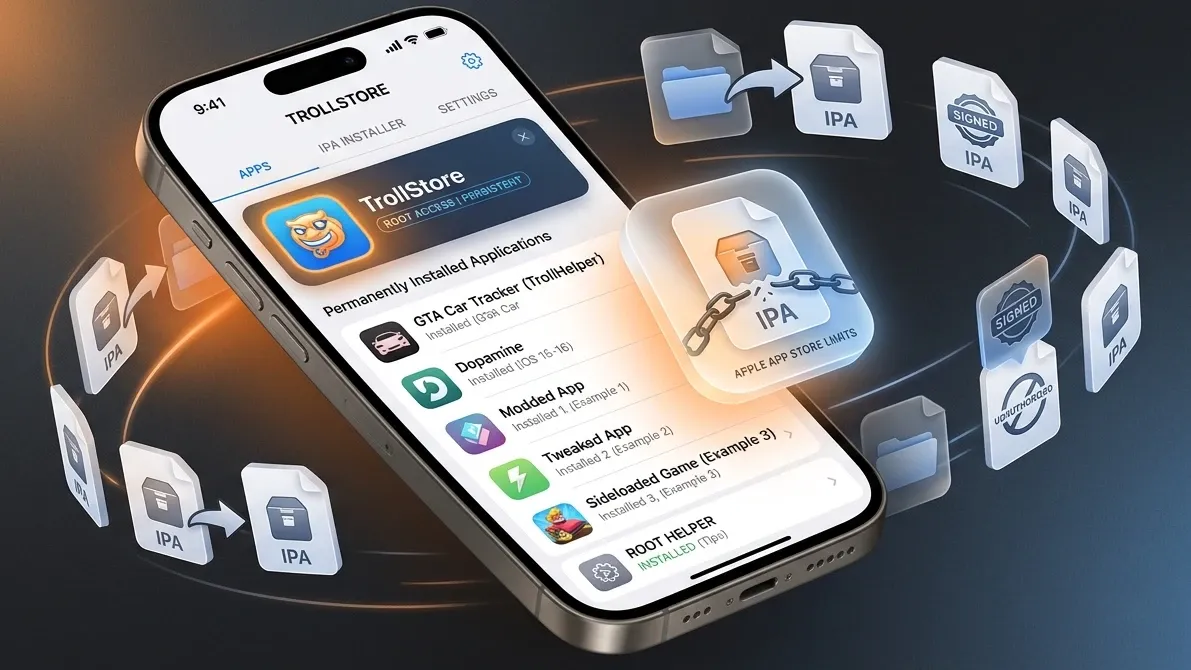
TrollStore is the holy grail of iOS sideloading. Permanent app installs. No expiry. No re-signing. No app limit. It's the closest thing to jailbreak-level freedom without actually jailbreaking — and for users on the right iOS version, it remains the absolute best sideloading solution available.
The catch: TrollStore only works on iOS 14.0 through iOS 17.0. If you're on iOS 17.0.1 or higher, TrollStore won't work — the exploit was permanently patched.
This guide covers everything: what TrollStore is, whether your device is compatible, how to install it, and the 30 best apps to install with it.
What Is TrollStore and How Does It Work?
TrollStore was created by Lars Fröder (GitHub: opa334) and exploits a CoreTrust bug in Apple's code-signing validation system.
Normally, iOS verifies every installed app against Apple's certificate infrastructure. TrollStore bypasses this check using a vulnerability in the CoreTrust framework — a lower-level component than the usual provisioning profile system. The result: apps are perma-signed and treated as if they're permanently trusted system apps.
Key technical aspects:
- Not a jailbreak — TrollStore doesn't modify the iOS kernel or system files
- Uses "jailed" execution — apps run in the normal iOS sandbox
- Persistence Helper — required to prevent apps from disappearing after reboot (TrollStore swaps an app like "Tips" into a system slot)
- No certificates needed — completely bypasses the normal signing workflow
TrollStore iOS Compatibility Chart
This is the most important section. Check your exact iOS version and device before proceeding.
| iOS Version | A11 and Below | A12+ | Install Method | Notes |
|---|---|---|---|---|
| iOS 14.0–14.8.1 | ✅ | ✅ | Misaka / TrollInstaller | All devices |
| iOS 15.0–15.4.1 | ✅ | ✅ | TrollInstallerX | Full support |
| iOS 15.5–15.7.x | ✅ | ✅ | TrollInstallerX | Most devices |
| iOS 15.8–15.8.3 | ✅ | ✅ | TrollInstallerX | Last iOS 15 |
| iOS 16.0–16.1.2 | ✅ | ✅ | TrollInstallerX | MacDirtyCow also works |
| iOS 16.2–16.5.1 | ✅ | ✅ | TrollInstallerX | Full support |
| iOS 16.6 | ✅ | ✅ | TrollInstallerX | |
| iOS 16.6.1 | ✅ | ✅ | TrollRestore (recommended) | Last iOS 16 compatible |
| iOS 16.7.x | ❌ | ❌ | None | Patched |
| iOS 17.0 | N/A | ✅ A12+ only | TrollRestore | LAST COMPATIBLE VERSION |
| iOS 17.0.1+ | ❌ | ❌ | None | CoreTrust permanently patched |
| iOS 18.x | ❌ | ❌ | None | Not supported |
| iOS 26.x | ❌ | ❌ | None | Not supported |
If you are on iOS 17.0 right now: do NOT update. This is a one-way door. You cannot downgrade once you update past iOS 17.0 (Apple stops signing old versions).
How to Install TrollStore — By iOS Version
For iOS 17.0 — TrollRestore (Easiest Method)
TrollRestore is the simplest installation method for iOS 17.0 on A12+ devices.
Requirements: iPhone running iOS 17.0 (not 17.0.1), A12 chip or newer, Windows PC or Mac.
- Download TrollRestore from its official GitHub release page
- Connect your iPhone to your computer via USB
- Trust the computer on your iPhone
- Run TrollRestore on your computer — it will install TrollStore automatically
- Wait for the process to complete (device may respring)
- Open TrollStore from your home screen
- Tap "Install ldid" inside TrollStore to complete setup
- In TrollStore Settings, set a Persistence Helper app (use "Tips" or "Books")
For iOS 16.0–16.6.1 — TrollInstallerX
- Download TrollInstallerX IPA from the official GitHub
- Sideload TrollInstallerX using AltStore or Sideloadly
- Trust the certificate in Settings
- Open TrollInstallerX and tap "Install TrollStore"
- Wait for the installation to complete
- Open TrollStore and install ldid
- Set your Persistence Helper
For iOS 15.x — TrollInstallerX
Same process as iOS 16. Download the latest TrollInstallerX release which includes iOS 15 support.
For iOS 14.x — Direct or via Misaka
On iOS 14, several methods work. The simplest involves sideloading TrollStore directly via Sideloadly or AltStore. Misaka also provides a one-tap installation route.
Setting Up the Persistence Helper — Critical Step
The Persistence Helper prevents TrollStore apps from disappearing after device reboots or iOS system updates.
Why it's needed: iOS occasionally refreshes its app icon cache and marks sideloaded apps as unauthorized. The Persistence Helper registers as a "system" app, giving TrollStore-installed apps protected status.
How to set it:
- Open TrollStore
- Go to Settings → Persistence Helper
- Choose an app you don't use (Tips, Books, or Stocks work well)
- Tap that app — it becomes the Persistence Helper
- Never delete this app or your TrollStore apps may stop launching
Installing Apps with TrollStore
Installing an app with TrollStore is simpler than any other sideloading method:
- Download an IPA file to your iPhone (via Safari, Files, or any browser)
- Tap the IPA file
- Tap "Open with TrollStore"
- Tap "Install" in TrollStore
- Done — the app installs permanently with no expiry
That's it. No certificates. No Apple ID. No 7-day limit. No 3-app restriction.
The 30 Best Apps to Install with TrollStore
Social Media & Communication
| App | What It Does | Why Use It |
|---|---|---|
| YouTube++ / uYouPlus | YouTube without ads, background play, downloads | Most popular sideloaded app |
| Spotify++ / SpotC++ | Ad-free Spotify, offline without Premium | Huge demand |
| Instagram++ / Rhino | Download stories, no ads, anonymous view | Privacy features |
| Reddit++ (Apollo) | Full Apollo app experience | Post-shutdown revival |
| Snapchat++ | ⚠️ Detection risk — Snapchat now detects mods | Use with caution |
| Twitter++ / Pock | Enhanced Twitter/X experience | Ad removal, extra features |
Emulators & Gaming
| App | What It Does | Notes |
|---|---|---|
| Delta | Nintendo NES/SNES/N64/GBA/DS emulator | Most polished emulator |
| PPSSPP | PSP emulator | JIT gives full speed with TrollStore entitlements |
| Dolphin | GameCube/Wii emulator | Needs JIT — TrollStore can grant entitlements |
| GBA4iOS | Game Boy Advance emulator | Classic choice |
| Provenance | Multi-system emulator | Broad compatibility |
| iPoGo / iPogo | Pokémon GO with GPS spoofing | Huge community |
Productivity & System
| App | What It Does | Notes |
|---|---|---|
| Filza File Manager | Full filesystem browser | Jailbreak-like power |
| iCleaner | System cleaner | Remove junk files |
| UTM | Run Windows/Linux VMs | Advanced users |
| Santander | Bank app bypass / system tools | Utility |
Media & Entertainment
| App | What It Does | Notes |
|---|---|---|
| Infuse Pro (InfusePlus) | 4K HDR video player, premium unlocked | Best media player |
| Nuvio Media Hub | Free streaming (Stremio addons) | Trending in 2026 |
| VLC (tweaked) | Enhanced VLC player | |
| Stremio (TrollStore) | Direct install without ads |
Utilities & Privacy
| App | What It Does | Notes |
|---|---|---|
| AppStore++ | Downgrade App Store apps | Very useful |
| PancakeStore | On-device app downgrader | New in 2025 |
| TrollSpeed | FPS overlay | Gaming performance |
| Orion (TrollStore) | Ad blocking browser | Full extension support |
TrollStore v2.1 — What's New (September 2025)
The latest TrollStore update (v2.1, September 2025) added:
- TrollStore Lite — version for jailbroken devices
- "Refresh App Registration" — fix for apps disappearing without rebooting
- Fixed ldid crashes on iOS 15.5+
- App transfer support — move app data between TrollStore installs
- Fixed ChOma load command errors from v2.0.5
Always install the latest version for stability.
Should You Stay on iOS 17.0 for TrollStore?
This is the most common question we get. The answer depends on your priorities.
Stay on iOS 17.0 if:
- You heavily use sideloaded apps and hate dealing with any expiry/refresh
- You install apps that benefit from TrollStore's special entitlements (full filesystem access, VPN entitlements, etc.)
- You don't care about iOS 26 features (Apple Intelligence, new UI, etc.)
- You have a secondary device for daily use on iOS 26
Upgrade to iOS 26 if:
- You want security updates (iOS 17.0 has had no security patches since iOS 17.0.1)
- You want Apple Intelligence features
- You need latest app compatibility
- SideStore + LiveContainer satisfies your sideloading needs
Frequently Asked Questions
Q: Can I use TrollStore on iOS 18 or iOS 26?No. The CoreTrust exploit TrollStore uses was permanently patched in iOS 17.0.1. There is no workaround and no future version planned for newer iOS.
Q: Is TrollStore safe to use?TrollStore itself is safe — it's open source and widely audited. The risk is the IPA files you install with it. Only use IPAs from trusted sources.
Q: Do I need a computer to use TrollStore after installation?No. Once TrollStore is installed, you install apps entirely on your iPhone. Just download IPA files and open them with TrollStore.
Q: Can Apple remote-wipe TrollStore apps?Apple cannot remotely revoke TrollStore apps — they're perma-signed without a revocable certificate. Apple would need to push an iOS update that patches the underlying mechanism.
Q: What if my apps disappear after a reboot?This means your Persistence Helper isn't set or was deleted. Go to TrollStore Settings and set a new Persistence Helper app.