
Best GBA Emulator iPhone 2026 - Delta vs GBA4iOS vs RetroArch Compared
The best Game Boy Advance emulators for iPhone in 2026 compared. Delta, GBA4iOS, RetroArch — compatibility, JIT requirements, controller support and iOS 26 performance.
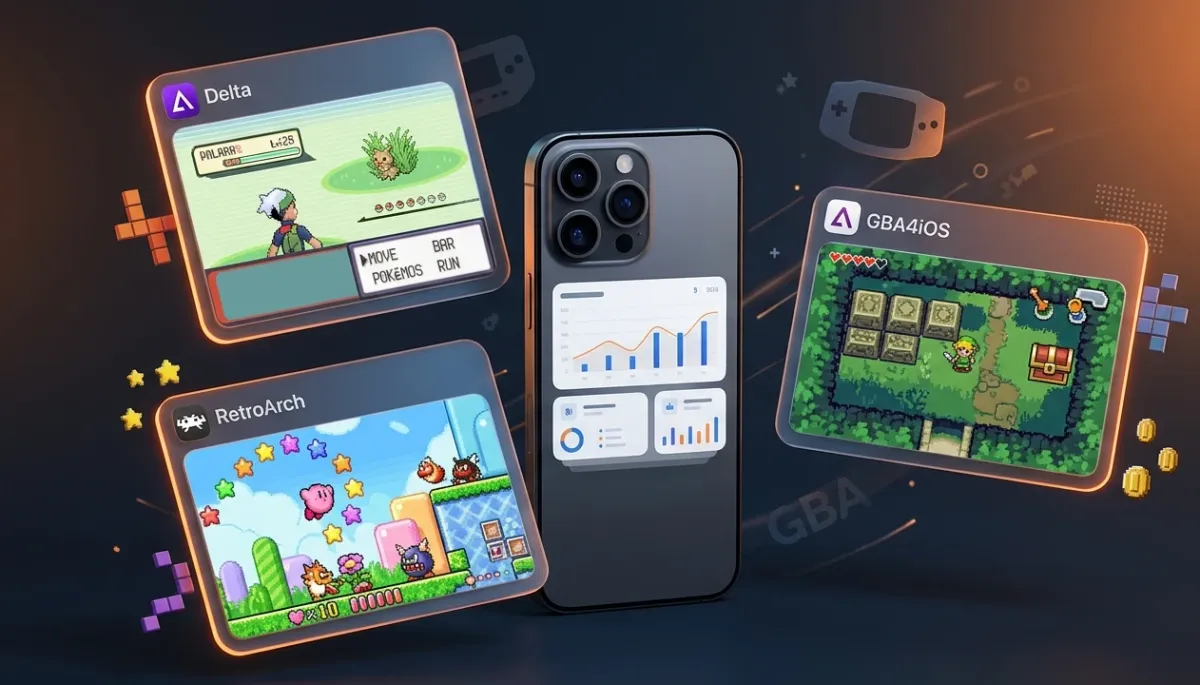
Game Boy Advance emulation on iPhone is excellent in 2026. Three options dominate: Delta (App Store native), GBA4iOS (the classic), and RetroArch (power user choice). Here's the honest comparison.
Quick Recommendation
| Use Case | Best Choice |
|---|---|
| Easiest setup, best UI | Delta (App Store) |
| Lightweight, quick-start | GBA4iOS |
| Multiple systems, advanced features | RetroArch |
| Pokémon hacks and romhacks | Delta (best compatibility) |
1. Delta — Best Overall GBA Emulator for iPhone
Delta is the most polished GBA emulator available on iOS. It's now on the App Store, making it the easiest option for most users.
GBA performance on Delta:
- 60fps on all modern iPhones (A12+)
- Perfect audio emulation
- Excellent romhack compatibility
- Cloud save sync (iCloud/Dropbox)
- Cheat code support (GameShark, CodeBreaker, Action Replay)
- Custom controller skins (hundreds available)
JIT requirements for GBA:Most GBA games run perfectly without JIT on Delta. A small number of demanding GBA games (mostly homebrew and certain effects-heavy titles) benefit from JIT. For 99% of the GBA library, you don't need JIT.
Install: App Store (free) or sideload IPA for TrollStore users.
GBA Game Compatibility on Delta (2026)
| Game | Performance | Notes |
|---|---|---|
| Pokémon FireRed/LeafGreen | ✅ Perfect | |
| Pokémon Ruby/Sapphire/Emerald | ✅ Perfect | |
| Pokémon Unbound (romhack) | ✅ Perfect | |
| Zelda: Minish Cap | ✅ Perfect | |
| Metroid Fusion | ✅ Perfect | |
| Castlevania: Aria of Sorrow | ✅ Perfect | |
| Golden Sun 1 & 2 | ✅ Perfect | |
| Final Fantasy Tactics Advance | ✅ Perfect | |
| Mother 3 (fan translation) | ✅ Perfect | |
| Kirby & the Amazing Mirror | ✅ Perfect |
Delta handles the entire GBA library without issues.
2. GBA4iOS — The Classic Choice
GBA4iOS was the original iOS GBA emulator that popularised mobile retro gaming. It's simpler than Delta and loads faster.
Why GBA4iOS still has fans:
- Faster launch time
- Simpler interface (some prefer minimal)
- Wireless link cable simulation (multiple devices in same room)
- Dropbox save sync
Why Delta is usually better:
- More actively maintained
- Better controller support
- Multi-system support (SNES, N64, DS too)
- Better romhack compatibility
Installation: Sideload IPA (not on App Store). Works via AltStore, SideStore, Sideloadly.
3. RetroArch — For Power Users
RetroArch is a front-end that runs multiple emulator "cores". Its mGBA core is one of the most accurate GBA emulators available on any platform.
RetroArch GBA advantages:
- mGBA core — extremely accurate, excellent for games that behave oddly in other emulators
- Shader support — visual filters (CRT scanlines, LCD grid, etc.)
- Networking — netplay for online multiplayer
- More configuration options than any other emulator
RetroArch GBA disadvantages:
- Complex setup
- UI is not mobile-optimised
- Requires more configuration to get right
- JIT makes a bigger difference for accuracy
Install: App Store (limited) or sideload for full core access.
Setting Up Delta for GBA — Quick Start
- Install Delta from App Store or sideload
- Get ROM files — dump from cartridges you own (or sourced appropriately)
- Import: Delta → + → select .gba file from Files app
- Play — appears in GBA library immediately
Controller: Pair any Bluetooth controller. Delta auto-detects PS5/Xbox controllers and maps perfectly.
Cheats: Game detail → Cheats → Add new → select cheat type → enter code
Skins: Download from deltaskins.com → import in Delta Settings → Controllers
Pokémon Romhack Compatibility
This is the most-asked GBA question. Delta handles virtually all Pokémon GBA romhacks:
| Romhack | Delta Compatibility |
|---|---|
| Pokémon Unbound | ✅ Perfect |
| Pokémon Radical Red | ✅ Perfect |
| Pokémon Emerald Kaizo | ✅ Perfect |
| Pokémon Gaia | ✅ Perfect |
| Pokémon Glazed | ✅ Perfect |
| Pokémon Clover | ✅ Perfect |
| Pokémon Sors | ✅ Perfect |
| Pokémon Dark Rising | ✅ Works |
| Pokémon Quartz | ✅ Works (minor audio glitches on some builds) |
FAQ
Q: Do GBA emulators need JIT on iOS 26?Generally no. GBA emulation is computationally simple enough that modern iPhones (A12+) run the entire GBA library at full speed without JIT. JIT makes more of a difference for N64 and DS emulation.
Q: Where do I get GBA ROMs legally?The only strictly legal way is to dump ROMs from cartridges you physically own using tools like EZ-Flash. Downloading ROMs online is a legal grey area that varies by jurisdiction — the emulators themselves are legal, the ROMs question is separate.
Q: Can I trade Pokémon between emulated GBA games?Delta doesn't support this. GBA4iOS has experimental wireless link cable support between devices in the same room. For trading, some desktop emulators (VisualBoyAdvance) support link cable over LAN.
Q: Is there a difference between GBA and GBA SP emulation?Emulators don't differentiate — they emulate the GBA hardware which is identical between the original and SP. The backlit experience is determined by which game's palette you prefer.
Q: Can I use real GBA saves from a cartridge?Yes — if you extract the save file using a compatible save reader, it's a standard .sav file that Delta and GBA4iOS can import.